The Legal and Ethical Imperative of Accessible Web Design
Across the United States and Canada, website accessibility has evolved from a progressive design aspiration into an urgent regulatory mandate. Under Americans with Disabilities Act (ADA) Title III interpretations and Canadian provincial legislation such as AODA in Ontario, public-facing commercial websites are legally classified as places of public accommodation.
Thousands of small and mid-sized businesses across North America face demand letters and federal lawsuits every year due to non-compliant digital experiences. The vast majority of these infractions are completely avoidable, stemming from automated design builder oversights such as missing keyboard navigation, unlabelled form inputs, and inadequate contrast ratios.
Key Focus Areas of the WCAG 2.2 Standard
The Web Content Accessibility Guidelines (WCAG) 2.2 standard introduces refined criteria designed to assist users with motor impairments, low vision, and cognitive disabilities. If your website targets US or UK consumers, prioritize these core technical standards:
- Target Size (Minimum): Interactive elements such as buttons and links must have an interactive footprint of at least 24x24 CSS pixels, preventing accidental taps on touchscreens.
- Focus Appearance & Not Obscured: When keyboard users tab through your interface, the focused element must be clearly visible and never covered by sticky navigation bars or cookie consent popups.
- Redundant Entry Elimination: Forms must never force customers to re-type previously submitted billing or contact information across multi-step enquiry flows.
- Color Contrast Ratios: Standard body copy requires a minimum 4.5:1 contrast ratio against background tones, while large headings require at least 3:1.
Why Healthcare and Professional Services Face Highest Scrutiny
Medical practices, dental clinics, and legal chambers in North America receive disproportionate legal scrutiny regarding web accessibility. If a patient with a visual impairment cannot book an appointment or read doctor credentials, the provider risks immediate liability.
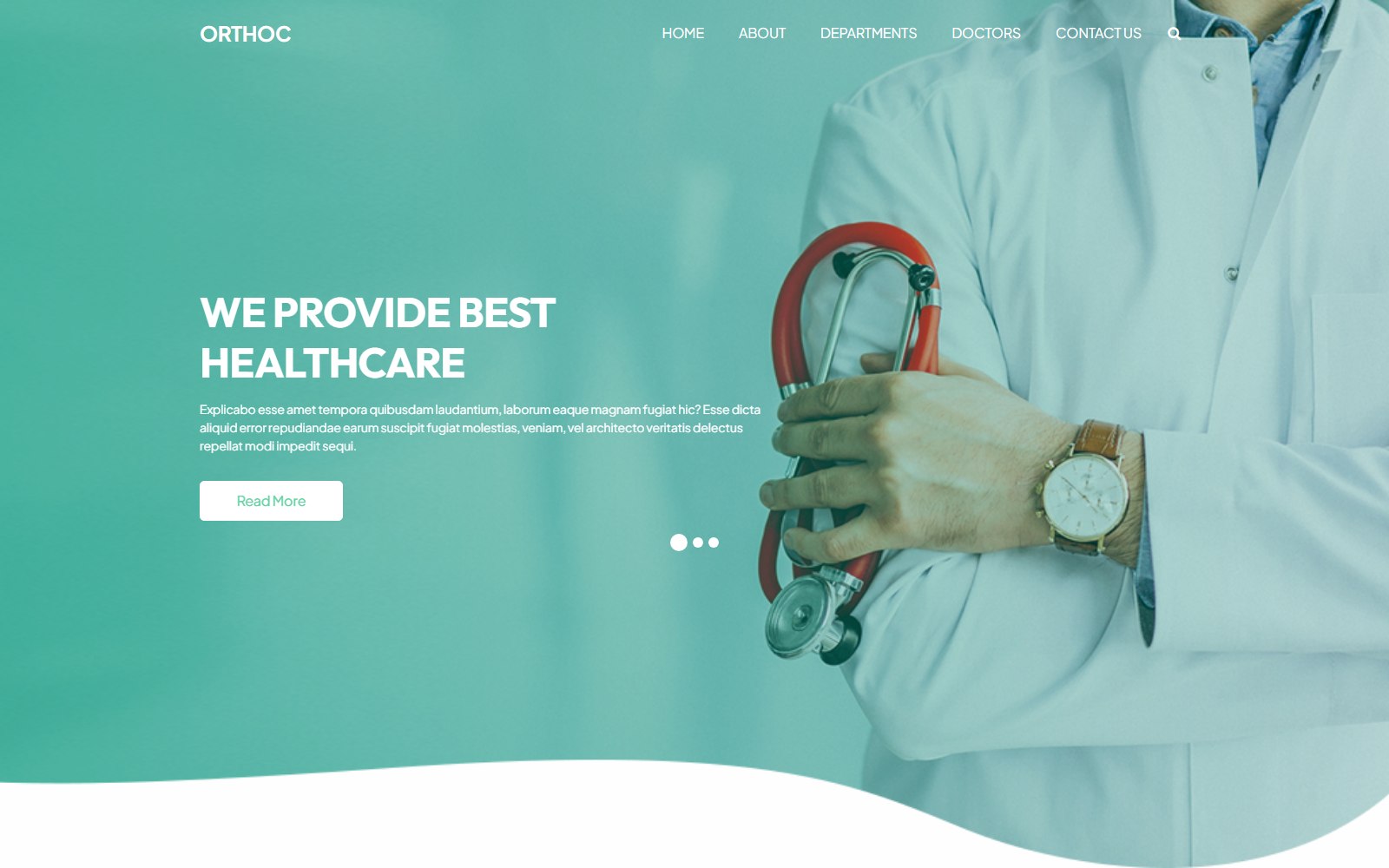
Specialized frameworks like the Orthoc healthcare and dental clinic template are architected specifically to solve this challenge. By incorporating semantic HTML5 landmarks, native ARIA attributes, and accessible appointment modals, healthcare providers protect their practice while expanding patient access. For related industry guidance, read our editorial on frictionless booking and enquiry flows.
Auditing Your Current Site Without Expensive Consultants
Before hiring an external compliance agency, run automated accessibility audits using open-source tools like Axe and Google Lighthouse. Test your entire website using only the keyboard: can you navigate from the logo to the footer contact form using the Tab, Space, and Enter keys alone?
Review our foundational guide on shipping accessible HTML templates for a step-by-step developer checklist. Ensuring your site meets accessibility guidelines not only mitigates legal exposure—it also improves search engine crawlers' ability to index your content. Browse our business guides for more actionable compliance frameworks.